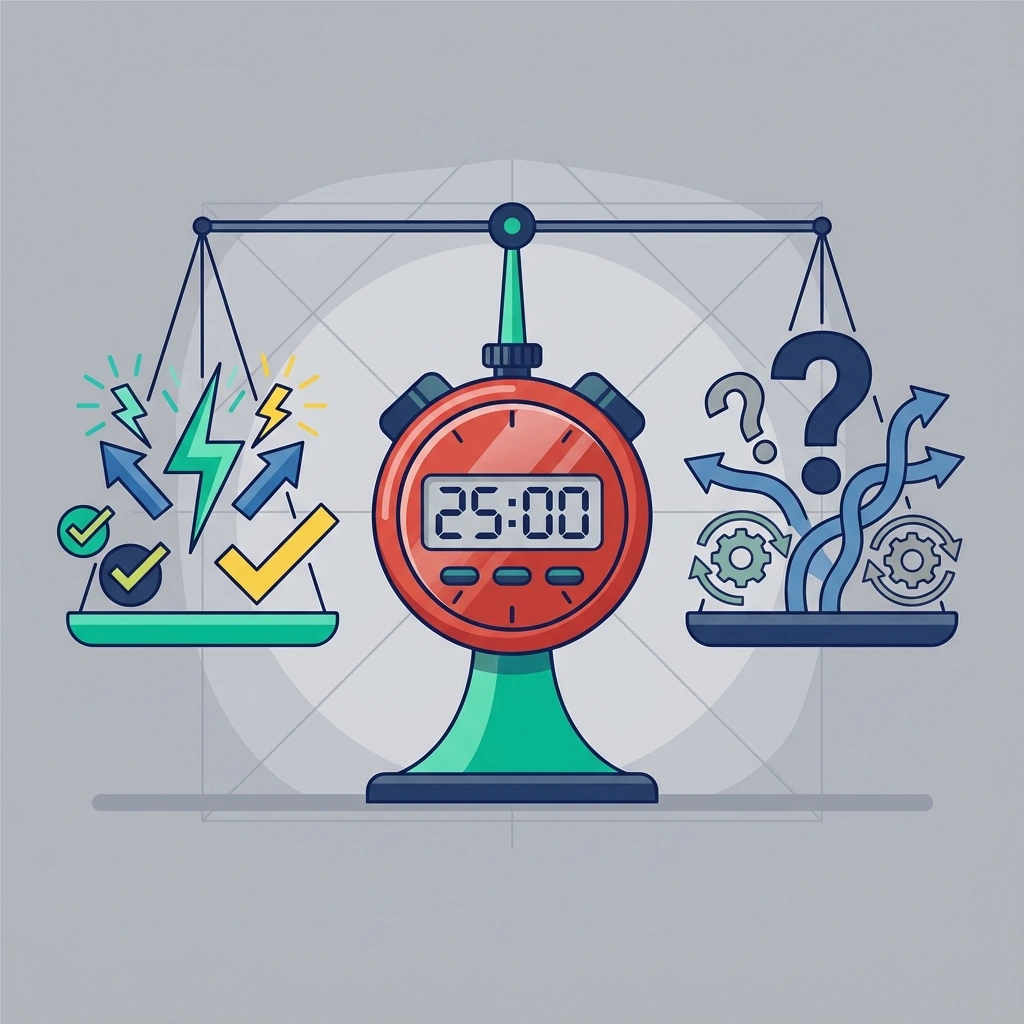
Is the Pomodoro Technique Right for You? A Balanced Review of Pros and Cons
📅
The Pomodoro
Technique
has been hailed as the ultimate solution for focus in the remote work era. But like any powerful
tool,
it isn't perfect, and it certainly isn't for everyone. If you are considering using the Pomodoro
Desk
timer to manage your day, it's vital to weigh the benefits against the potential drawbacks.
Being objective about
the
Pomodoro pros and cons allows you to adapt the system to your specific needs,
maximizing your productivity while avoiding common pitfalls. Here is a balanced look at the
strengths
and weaknesses of this widely used time management method.
📋 What You'll Learn in This Review
Section 1: The Pros - Why Pomodoro is Hugely Effective
The technique offers several distinct advantages, especially for remote workers battling
distractions
and decision fatigue. It's not just about a timer; it's about hacking your brain's reward system.
1
Mitigates Procrastination via "Micro-Commitments"
Starting a task that requires a full 8-hour commitment is intimidating. It triggers the brain's
pain
centers. However, committing to just 25 minutes is psychologically "safe." This
lowers the barrier to entry. Once you start, the Zeigarnik Effect kicks in—your
brain's natural desire to finish what it started—keeping you going long after the first timer
rings.
🧠 The Science: Bluma Zeigarnik, a Soviet psychologist, discovered that
incomplete tasks create "cognitive tension." By starting a Pomodoro, you create this
tension.
Your brain then wants to resolve it by finishing the work, effectively hacking your
own
psychology to generate motivation from thin air.
2
Combats Burnout with Mandatory Recovery
Most knowledge workers push through fatigue until they crash at 3 PM. The Pomodoro Technique
forces
a 5-minute recovery period before you feel tired. This is preventative maintenance for
your
brain. By respecting your Ultradian Rhythms (natural energy cycles), you
maintain a
steady output quality throughout the entire day, rather than a morning peak and afternoon slump.
3
Eliminates Context Switching
"Multitasking" is a myth; it's actually rapid context switching, which lowers IQ by up to 10
points.
By forcing monotasking for 25 minutes, the timer creates a zero-distraction
environment. Your brain learns that it doesn't need to monitor email or Slack for this short
window,
allowing for deeper cognitive processing.
4
Gamifies Your Productivity
Tracking how many "Pomodoros" you complete turns work into a game. "Can I do 10 Pomodoros
today?"
This simple metric provides a dopamine hit upon completion of each cycle. Over time, you build a
historical record of your capacity, making future planning far more accurate than vague "to-do"
lists.
5
Leverages Parkinson's Law
Parkinson's Law states that "work expands to fill the time available for its completion." If you
give yourself all day to write a report, it will take all day. If you give yourself
three
Pomodoros (75 minutes), you will likely finish it in that time. The ticking clock
creates positive urgency (eustress) that sharpens focus and prevents perfectionism.
Section 2: The Cons - Where Pomodoro Might Fall Short
No productivity system is perfect. While beneficial for many, the rigid 25/5 minute structure is not
always the best fit for every type of task or every profession. Here is where it often breaks down:
1
The "Flow State" Interruption
This is the #1 complaint from developers, writers, and designers. Deep work often requires 15-20
minutes just to "load context" into your working memory. Once you achieve Flow
State (where work feels effortless), a mandatory buzzer at the 25-minute mark can
feel
like a slap in the face. It breaks your concentration right when you're most productive, forcing
you
to restart the "loading" process after the break.
2
Incompatibility with Modern Meetings
The corporate world runs on 30 and 60-minute blocks, not 25-minute ones. If you have a meeting
at
10:00 AM and it's currently 9:40 AM, you can't start a full Pomodoro. This leads to "awkward
gaps"
of 10-15 minutes where you feel like you can't start anything meaningful, resulting in wasted
time.
3
The "Task Size" Mismatch
Some tasks take exactly 2 minutes (sending an invoice). Others take 4 hours (coding a feature).
Grouping tiny tasks into a 25-minute block works well, but splitting a massive task into
arbitrary
25-minute chunks can feel artificial. Stopping mid-sentence or mid-code because the timer rang
leaves you with an uncomfortable cognitive itch (the negative side of the Zeigarnik Effect).
4
Timer Anxiety
For perfectionists or those with high anxiety, the ticking clock doesn't create focus—it creates
panic. Instead of thinking about the quality of the work, you start obsessing over "beating the
clock." This shifts the focus from effectiveness (doing the right thing well)
to
efficiency (doing it fast), which can lower the quality of the output.
🍅 The Origin Story: Why a Tomato?
To understand the pros and cons, you must understand the problem it was designed to solve. The
Pomodoro
Technique wasn't created in a corporate boardroom; it was born out of desperation in a university
dorm
room.
In the late 1980s, Francesco Cirillo was a university student in Italy. He was
overwhelmed. His study sessions were long, unstructured, and plagued by distractions. He felt like
he
was "busy" all day but accomplishing nothing—a feeling familiar to many remote workers today.
Desperate to regain control, he grabbed a simple kitchen timer shaped like a tomato
(pomodoro
in Italian). He made a deal with himself: "I will study for just 10 minutes without
interruption."
It worked. The ticking sound kept him focused. The physical act of winding the timer created a
commitment. He gradually refined the system to the now-famous 25-minute work / 5-minute break
interval.
Key Insight: The technique was designed for studying—a task that
requires
intense concentration and memorization. This explains why it is so effective for learning new
skills
but can sometimes clash with the collaborative, meeting-heavy nature of modern office work.
🚀 Advanced Strategies for Power Users
Most people stop at "set timer for 25 minutes." But to truly unlock the power of this method (and
mitigate the cons), you need to use the advanced protocols Cirillo developed.
1. The "Interruption Log" Strategy
When you get distracted (internally or externally), don't just stop. Log it.
Keep a
piece of paper next to you.
•
If you think "I need to check email," write an apostrophe (’) on your sheet and keep
working.
•
If someone walks in, write a dash (-) and use the "Inform, Negotiate, Call Back" method.
At the end of the day, count your marks. Seeing "15 internal interruptions" is a powerful
wake-up
call that trains your brain to ignore those impulses tomorrow.
2. Task Estimation & "The Rule of Overestimation"
Before you start, estimate how many Pomodoros a task will take. "Writing this report: 4
Pomodoros."
If it takes 6, you learned something about your own speed. If a task is estimated to take
more than 7 Pomodoros, it is too big. You must break it down into smaller
sub-tasks. This forces you to plan better and prevents the "overwhelmed" feeling.
3. The "Recap and Review" Bookends
Don't just work blindly for 25 minutes.
•First 2 Minutes: Review what you did in the last Pomodoro and set the
specific
goal for this one.
•Last 2 Minutes: Quickly recap what you accomplished. Did you finish? If
not,
what's left?
These "bookends" strengthen memory retention and give you a sense of closure, even if the task
isn't
fully complete.
👥 Who Should (and Shouldn't) Use It?
The Pomodoro Technique is a tool, not a religion. It works miracles for some brains and frustrates
others. Here is the breakdown:
✅ Best For:
✓Procrastinators: People who struggle to just start.
✓Task-Based Workers: Admin, QA, Data Entry, Email processing.
✓ADHD Brains: The external structure acts as a prosthetic executive
function.
✓Students: Breaking down massive study sessions into digestible chunks.
❌ Worst For:
✕On-Call Support: Jobs that require immediate reaction to external
triggers.
✕C-Suite Executives: Schedules driven entirely by meetings and others'
needs.
✕Deep Creatives: Unless modified (see below), the 25-minute break can
kill
momentum.
🛠️ How to Overcome the Downsides
Love the idea but hate the rigid 25-minute timer? Here is how to hack the system to fix the most
common
complaints:
💡 Fix for "Flow State" Interruptions: The 50/10 Split
If 25 minutes is too short, simply double it. Work for 50 minutes and take a
10-minute break. This allows deeper immersion while still providing the
necessary
recovery period.
💡 Fix for Meeting Conflicts: "Pomodoro-Free Zones"
Don't try to force Pomodoros into a calendar full of meetings. Designate specific hours (e.g., 8
AM
- 11 AM) as "Deep Work Time" where you use the timer. The rest of the day is "Open Mode" for
meetings and admin.
💡 Fix for Timer Anxiety: Hide the Clock
If the countdown stresses you out, use a timer that doesn't show the seconds ticking away (or
minimize the window). Focus on the process of working, and let the alarm
surprise
you.
🚫 5 Common Myths About the Pomodoro Technique Debunked
Before you decide if this method is right for you, let's clear up the misinformation that stops most
people from trying it.
Myth #1: "It Kills My Creative Flow"
The Reality: It actually protects your flow.
Most "flow" is interrupted by self-distraction (checking email, getting a snack). The timer
creates
a fortress around your attention. If you are truly in a deep creative trance when the timer
rings,
ignore it. Finish your thought. The timer is a tool to serve you, not a master
to
enslave you.
Myth #2: "It's Too Rigid for My Job"
The Reality: It is infinitely flexible.
You don't have to do 25 minutes. You can do 50/10. You can do 90/20. You can use it only in the
mornings and not in the afternoons. The "rigidity" is a feature, not a bug—it provides the
scaffolding your brain needs to relax and focus on the task at hand.
Myth #3: "I Can't Use It During Meetings"
The Reality: You shouldn't use it during meetings.
The Pomodoro Technique is a solo productivity tool. It is for your
work.
When you are in a meeting, you are on "collaborative time." Don't try to force a square peg into
a
round hole. Use Pomodoros for your deep work blocks before or after the meeting.
Myth #4: "It's Only for Simple Tasks"
The Reality: It is essential for complex tasks.
Complex tasks (like coding an app or writing a book) are overwhelming. This overwhelm causes
procrastination. By breaking a massive project into "one 25-minute unit," you make the complex
simple. You aren't "writing a book"; you are just "writing for 25 minutes."
Myth #5: "I Need a Special App"
The Reality: Simplicity is better.
You don't need a $5/month subscription. You need a timer. In fact, using your phone as a timer
is
dangerous because it is a distraction machine. This is why we built the Pomodoro
Desk web timer—it's free, simple, and keeps you on your desktop where the work
happens.
⚖️ Comparison: Pomodoro vs. The Alternatives
How does the Pomodoro Technique stack up against other popular productivity methods?
Method
Structure
Best For...
Main Drawback
🍅 Pomodoro
25m Work / 5m Break
Procrastinators, Admin Tasks
Interrupts Flow State
🌊 Flowtime
Flexible (10m - 90m)
Creatives, Coders, Writers
Requires Self-Discipline
🧠 Deep
Work
90m+ Blocks
Complex Problem Solving
Mentally Exhausting
📅 Time
Blocking
Calendar Slots
Managers, Meeting-Heavy Roles
Rigid, Hard to adjust
❓ Frequently Asked Questions
Can I change the
25-minute length?
Absolutely. The "25 minutes" is a suggestion, not a law. If you find 25 minutes too short, try
50
minutes. If you find it too long (for a task you hate), try 15 minutes. The goal is
focused
work, not adherence to a specific number.
What do I do if I
finish a task
early?
The strict rule is: "The Pomodoro is indivisible." If you finish in 20 minutes, use the
remaining 5
minutes to review your work, make small improvements, or prepare for the next task. Do not
switch to
social media until the timer rings.
Does this work for
studying?
Yes, it is one of the most effective study methods available. It prevents "study fatigue" and
improves retention by using Spaced Repetition principles (if you review
material
during the first minute of each new Pomodoro).
How do I handle
interruptions from
my boss?
Use the "Inform, Negotiate, Call Back" strategy. Inform them you are in the middle of a focus
sprint, negotiate a time to get back to them (e.g., "in 10 minutes"), and then call them back
immediately when your timer rings. Most urgent matters can wait 10 minutes.
Is there an app
that combines
Pomodoro with To-Do lists?
Yes, many apps do this. However, we recommend keeping it simple. Use a physical sticky note for
your
to-do list and a dedicated timer (like Pomodoro Desk) for the focus. Separating
the
"planning" from the "doing" often reduces anxiety.
Too busy to read the whole guide? Here is the bottom line decision matrix:
✅ USE IT IF:
You are procrastinating on starting a task, you feel overwhelmed by a large project, or you
are
"busy" all day but getting nothing done. The timer will force you to focus.
❌ SKIP IT IF:
You are currently in a "Flow State" (deep focus), you are in a meeting, or you are doing
creative work that requires long, uninterrupted thinking time (unless you use 50/10
intervals).
💡 THE GOLDEN RULE:
The timer is your servant, not your master. If it helps you focus, use it. If it stresses
you
out, pause it. The goal is productivity, not perfection.